PLIB: Solving Noisy DLIB While Retaining Important Detail
Fuggin Dlib, man.
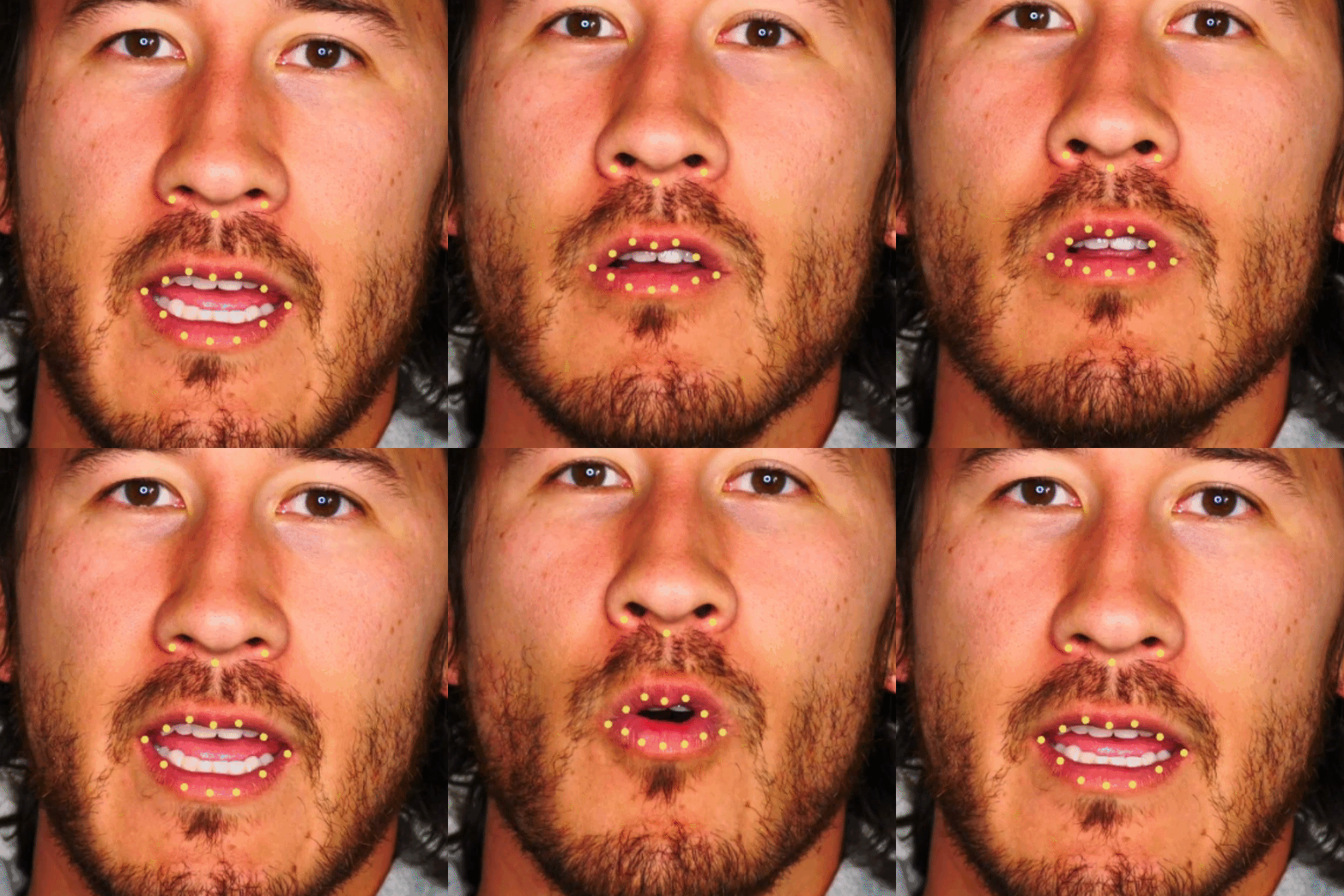
I have a love/hate relationship with Dlib. On one hand, it’s amazing at what it is. It’s fast, it’s reliable, it gives us a lot of data. But it’s not a specialist when it comes to accuracy.
The accuracy of feature detection on a single frame can actually be pretty great, in particular if you use a high quality, high res input image.
The problem unfolds temporally when evaluating the position of points over time. Because of the nature of Dlib’s detection, each frame is a somewhat unique guess at where each feature should be, and subsequently where each point should be. The resulting ‘animation’ of point data contains sizzling shifting points that aren’t super useful.
Dlib -> Plib
Plib is an aif Python module designed to take a series of Dlib frame data and return a smoothed copy that retains as much detail as possible. There are a number of factors that are used to both smooth and retain structure, particularly for points around the mouth and jaw.
How about averaging points together over time?
That’s the first thing I see a lot of people trying online. Lot’s of averaging of point positions. This, at the very least has one massive benefit - it enables us to scrub out really bad outliers.
After much testing, I’ve found that averaging any more than 3 points together results in motion that is too lossy. But, I had a thought - why not smooth x and y values separately, if we know that a particular point’s motion is more likely to be vertical as opposed to horizontal?
One important consideration: frames have no concept of time. If you're using the concept of averaging 3 frames when your video source is 30 frames per second, you better be averaging 6 frames if your footage was captured at 60 frames per second.
Take the topmost eyelid point, for example. Generally, the motion we want to hold onto is mostly vertical while the horizontal motion can be a bit smoother without resulting in significant losses of miro-movements.
So, imagine, for instance, that we take three frames of data and average them together for the x axis, but for the y axis, we offset the average by including the ‘center’ frame’s data twice:
x = (p1.x + p2.x + p3.x)/3

y = (p1.y + p2.y + p2.y + p3.y)/4
How could such a tiny thing make a difference? It does. It enables us to keep the core axis’ motion close to the native position while the less dominant axis can be just a bit smoother.
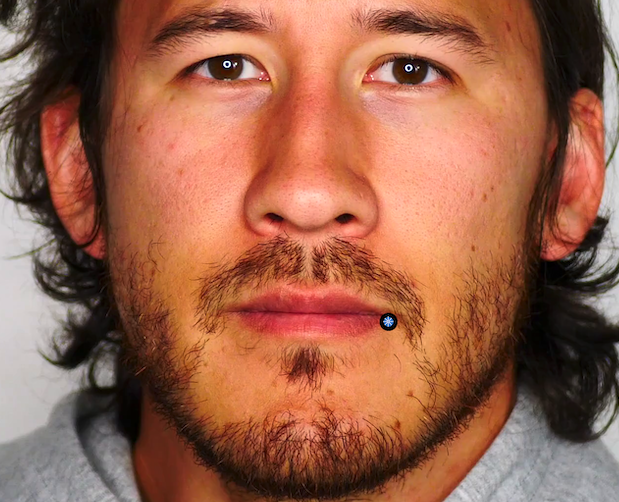
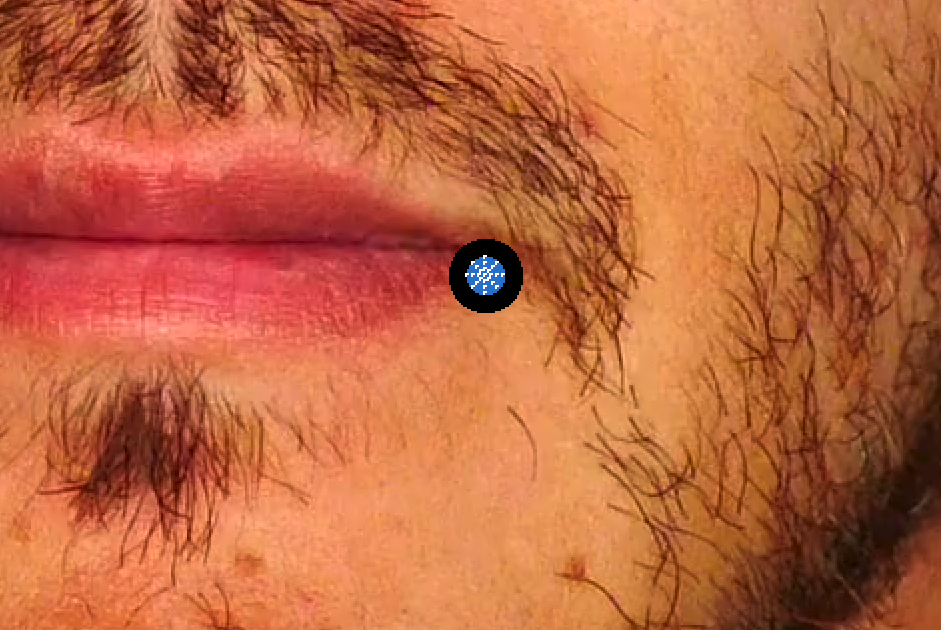
Measure the point
I pretty firmly believe that using only dlib alone can’t provide you with accurate temporal results. Since every frame is a unique estimation of points, there is a tremendous amount of noise. But each individual frame does, itself, have valuable information.
But one of the biggest challenges is stabilizing the noise is keeping the detail while making sure we’re eliminating garbage.
So, imagine that on frame 10, we know the color of the pixel that point X is sitting on. On frame 11, at that same prior point’s placement, we sample the same pixel to find that it’s a nearly identical match. But the point that corresponds to frame 11 is in a fairly different position. Well perhaps the point shouldn’t be moving on frame 11, even though dlib thinks it should.
Maybe, we need to identify some metric to inform us how much of the prior frame’s point position we should mix into the current frame’s position?
These two metrics together provide us with a tremendous amount of information:
How far did a point move
How different is the actual skin at that position when comparing two frames?
If there’s a close match, meaning that both the delta change in position is large, and the color of the point is different, perhaps we care less about that change.
But, if the delta change is large, but the pixel match is relatively the same, I would speculate that the point on the second frame should be closer to the first frame, regardless of what dlib thinks.
WIP - To Be Continued…