Beard Ridge System
Ah, the beard ridge.
Why not just shave, some may say. Others may think it looks rugged and tough. Some people don’t even notice that their beard has grown long enough to affect a frontal texture projection system on a digital human.
In some ways, it doesn’t affect much.
Those tiny fringe furs just get projected directly onto their nearest UV surface resulting in a hard edge under the chin.
That resulting edge looks a little hairy, sort of, but more like someone dipped their chin in Elmers’s glue and rolled around on the floor of their nearest SuperCuts.
One solution is to recreate only the low ridge hairs that were previously flattened during projection so that it can define the jaw-line as it was once possibly intended.
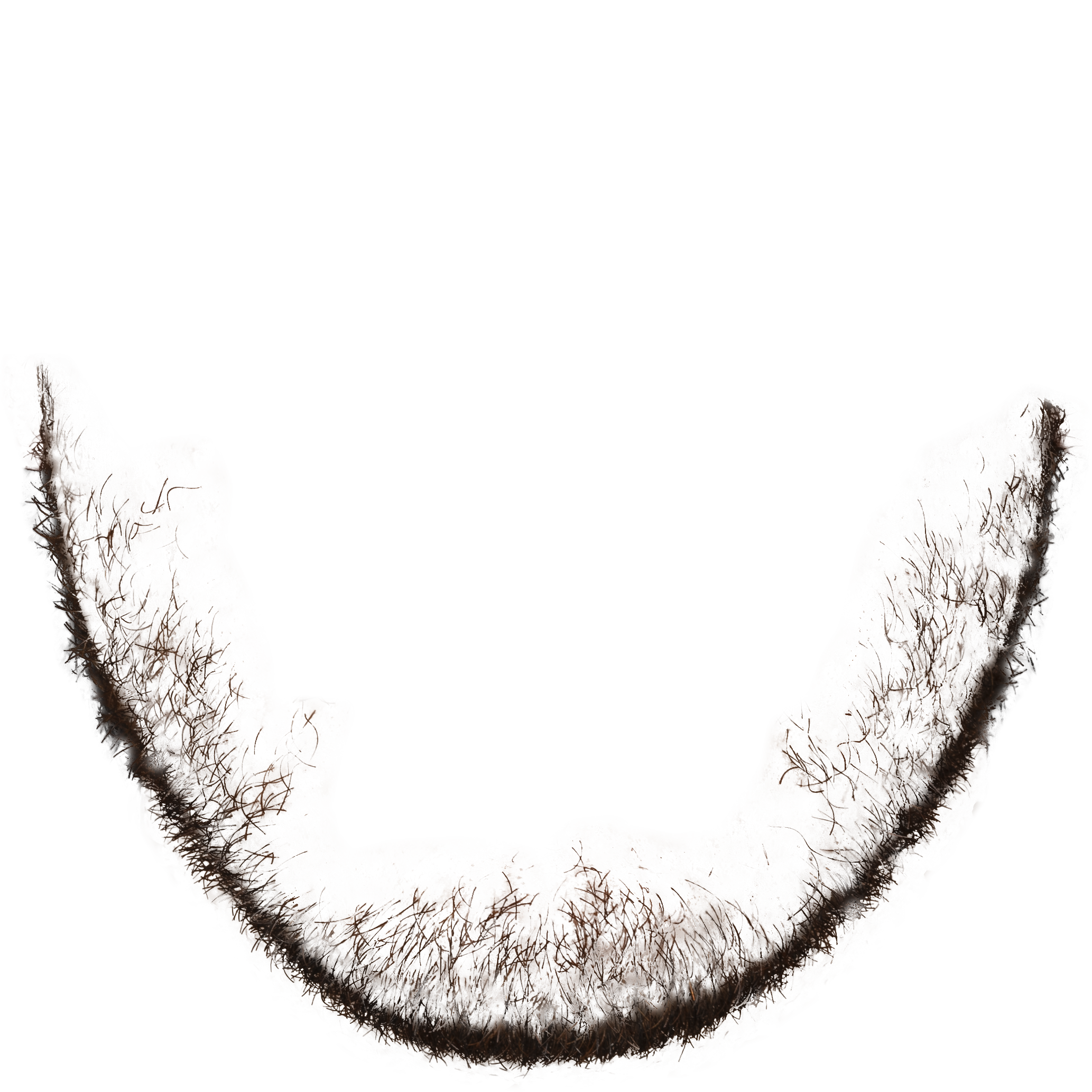
Isolate the furs…
Once the beard is isolated (left), it can be correctly re-aligned along the jaw line of the digital human. I’ve designed a series of controls to fit the beard tightly to the jaw. The separation of the beard from the rest of the face is currently a manual process, but can be automated in the future by using the skin color as a green screen chroma key of sorts.
Since the beard ridge needs to deform along with the lips and jaw, the Beard Ridge system is initially affixed to the first 17 DLIB points, then re-aligned on each frame once all speech vertices have been moved.
This allows motion to transfer from both the initial bone structure as well as the secondary lip and skin movement.
The use of the 17 DLIB points is fairly arbitrary since we can technically use any set of jaw points. But since DLIB is already annotated and available, it serves as an adequate starting point. In the future, we may want to increase the resolution of the ridge geometry. For now, it feels as if there is enough resolution to hide polygonal edges.
Beard Ridge Alpha
Beard Ridge fitting controls